After installing agent event 21006 is shown in EventLog:
Log Name:      Operations Manager
Source:        OpsMgr Connector
Date:          16-12-2010 14:13:56
Event ID:      21006
Task Category: None
Level:         Error
Keywords:      Classic
User:          N/A
Computer:      SCOM.domain.local
Description:   The OpsMgr Connector could not connect to  SCOM.domain.local :5723.
               The error code is 11004L(The requested name is valid, but no data
               of the requested type was found.).  Please verify there is network
               connectivity, the server is running and has registered it's
               listening port, and there are no firewalls blocking traffic to
               the destination.
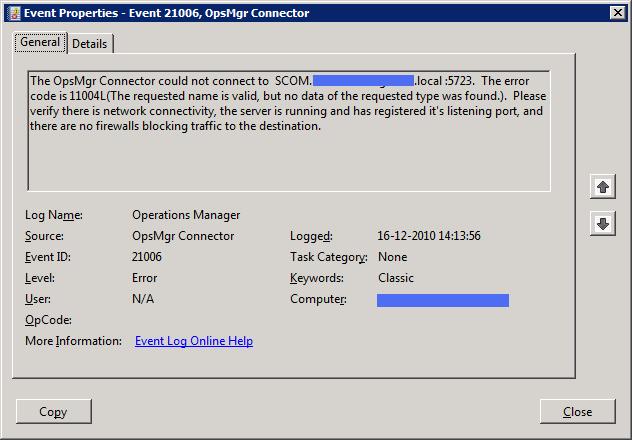
This is because the agent is unable to connect to Management Server. When connection fails no data will be sent to the Management Server, and typically no errors indicating connection failed will show up at the Management Server event log.
Verify agent can resolve Management Server adress and no extra characters(space) are present in the name specified during Agent installation.
In the picture above the agent is trying to connect to a Management Server which has a space before and after the FQDN. The extra spaces are easily overlooked in Event Properties.
